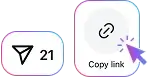
Open the Instagram post and tap Share, then choose Copy link.
Download photos and videos from public Instagram carousel posts in high quality. Save the available media directly to your device.
Paste a public Instagram carousel link to save all available photos and videos from the post. Mixed-media carousels are supported, so you can download each slide separately.
Open the Instagram post and tap Share, then choose Copy link.
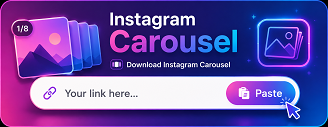
Paste the copied Instagram link into the download field above.
Press Download and save the video, photo prepared by the server.
Download photos and videos from public Instagram carousel posts without taking screenshots or saving each slide manually.

Save multiple photos and videos from a public Instagram carousel post in one place. SaveInsta detects the available slides, keeps them in their original order, and lets you download each photo or video directly to your device.

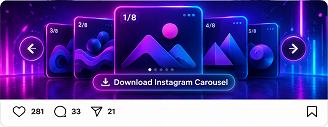
An Instagram Carousel Downloader is an online tool that lets you save available photos and videos from public Instagram carousel posts directly to your device.
Copy the link to the Instagram carousel post, paste it into the SaveInsta Carousel Downloader, and click Download to access the available photos and videos.
SaveInsta can detect supported media available in a public carousel post, allowing you to save the photos provided by the downloader.
Yes. If a supported public carousel contains videos, SaveInsta can provide available video download options along with the photos.
Yes. Instagram carousel posts can contain multiple media items, including a combination of photos and videos.
SaveInsta provides the best available quality from the source. The final image or video quality depends on the media available in the original Instagram post.
No. You don't need to sign in or connect an Instagram account to download supported media from publicly available carousel posts.
Yes. The Carousel Downloader works directly in modern browsers on iPhone, iPad, Android, and other supported mobile devices.
No. SaveInsta only works with supported publicly available Instagram content and cannot access carousel posts from private accounts.
The download location depends on your device and browser settings. Files are typically saved to the Downloads folder or your device's configured download location.