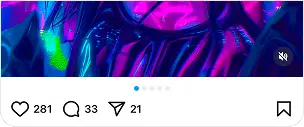
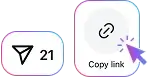
Open Instagram, find the Reel you want to save, tap Share, and select Copy Link.
Use Reels to save public Instagram content in your browser. No login or app installation is required.
Save Instagram Reels from public accounts directly to your device with our free online Reels Saver. Copy the link to a Reel, paste it into the downloader above, and save the available video as an MP4 file in the best quality provided by the source. The original audio is included when it is available with the Reel. Everything works directly in your browser, with no Instagram login, account connection, or app installation required. You can use SaveInsta to download Reels on iPhone, Android, Windows, Mac, and tablets, then keep the videos for offline viewing whenever you need them.
Open Instagram, find the Reel you want to save, tap Share, and select Copy Link.

Paste the copied Reel URL into the SaveInsta download box above.
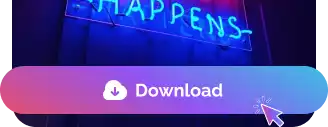
Click Download and save the available Reel video directly to your device.
Download public Instagram Reels as MP4 videos in high quality directly from your browser. Save Reels on iPhone, Android, tablets, PC, or Mac without installing additional software.
Download Instagram Reels from public links in the best available video quality. Simply paste a Reel URL to save the video directly to your device, with no Instagram login, account connection, or app installation required.

An Instagram Reels Downloader is an online tool that lets you save available videos from public Instagram Reels directly to your device.
Copy the link to the public Reel, paste it into the SaveInsta Reels Downloader, and click Download to access the available video.
SaveInsta provides the best available video quality from the source. The final resolution depends on the quality Instagram makes available for the original Reel.
Yes. When audio is available with the source Reel, the downloaded video can include its original audio.
No. You don't need to sign in or connect an Instagram account. SaveInsta works with supported publicly available Reels.
Yes. The Reels Downloader works directly in your browser, so no mobile app, extension, or desktop software is required.
Yes. SaveInsta works in modern browsers on iPhone, iPad, Android, and other supported mobile devices.
Yes. Copy the Reel URL and use SaveInsta directly in a browser on Windows, macOS, or another supported desktop system.
No. SaveInsta only works with supported publicly available Instagram content and cannot access Reels from private accounts.
The download location depends on your device and browser settings. Reels are typically saved to the Downloads folder, browser download location, or Files app.